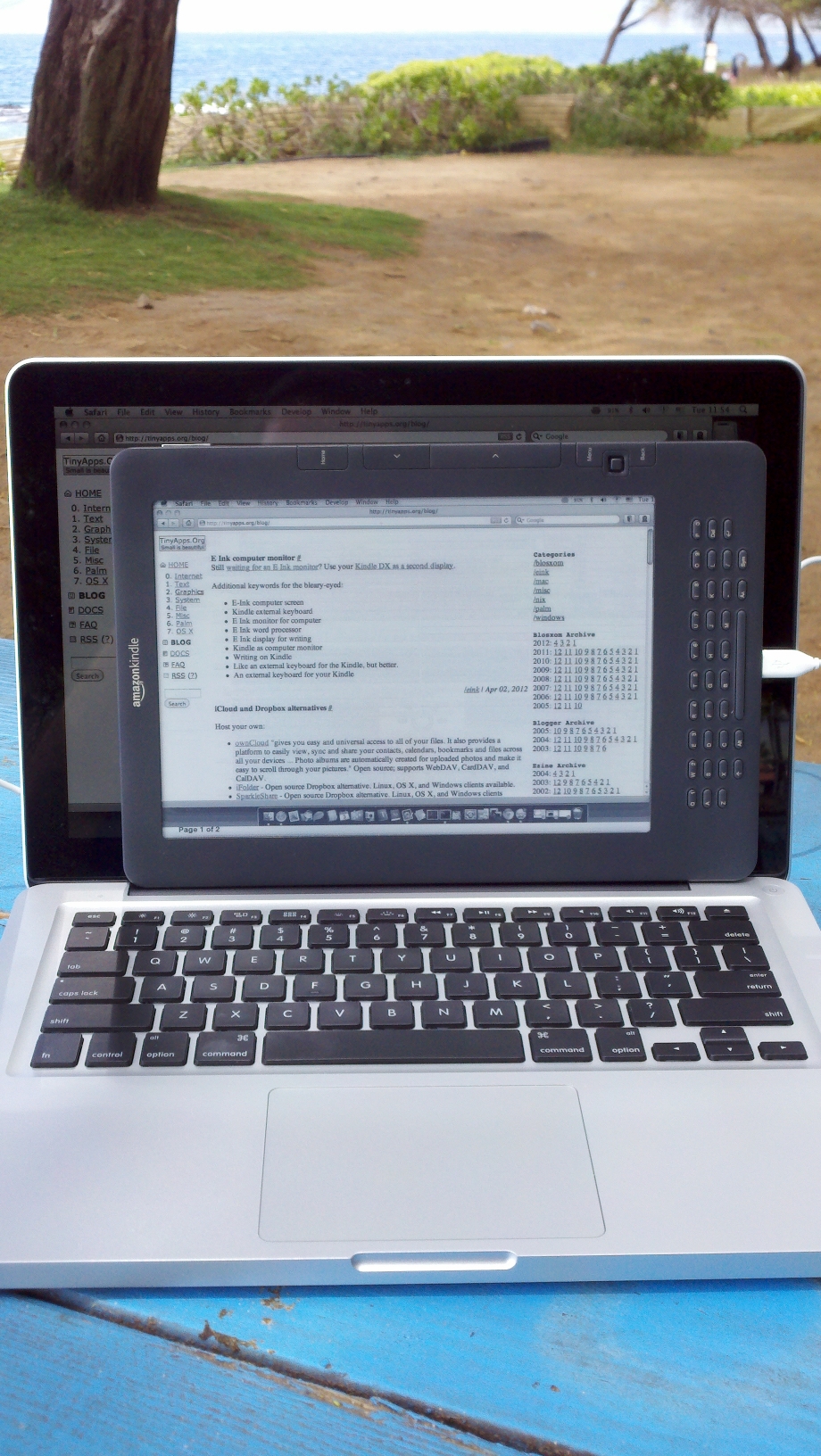
Note that in some jurisdictions, it may actually be illegal to jailbreak your tablet (but not a phone!).
These directions are current as of March 2012 and worked well for me. They may not work for you, and might even destroy your Kindle. At the very least, they definitely void your warranty. Proceed at your own risk (and joy).
;debugOn and press Return*`usbNetwork and press Return†;debugOff and press Return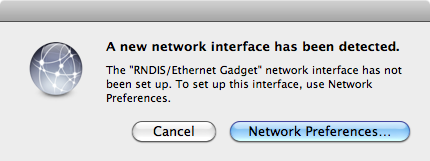
$telnet 192.168.2.2Trying 192.168.2.2... Connected to 192.168.2.2. Escape character is '^]'. Welcome to Kindle! ################################################# # N O T I C E * N O T I C E * N O T I C E # ################################################# Rootfs is mounted read-only. Invoke mntroot rw to switch back to a writable rootfs. ################################################# [root@kindle root]#/etc/init.d/netwatchd stopsystem: I netwatchd:def:stopping Netwatch Daemon [root@kindle root]#/etc/init.d/powerd stopStopping Power Management Daemon: [root@kindle root]#/mnt/us/kindlevncviewer/kvncviewer.sh 192.168.2.1:1 &
Ctrl+C and then [root@kindle root]# killall kindlevncviewer . Restart netwatchd and powerd if desired.init: Entering runlevel: 2 ... system: I S50battcheck:def:running system: I S50battcheck:def:current voltage = 3738mV system: I S50battcheck:def:gasgauge capacity=2% volts=3794 mV current=179 mA system: W S50battcheck:def:battery low. Not booting and here it is after the battery check has been disabled: init: Entering runlevel: 2 ... system: I S50battcheck:def:running system: I S50battcheck:def:skipping battery check init: Switching to runlevel: 5The battery check can also be skipped by hacking the hardware.
created: 2012.03.31, updated: 2018.05.17